
Taito NESICAxLive (nesicax)
for Batocera and Retrobat

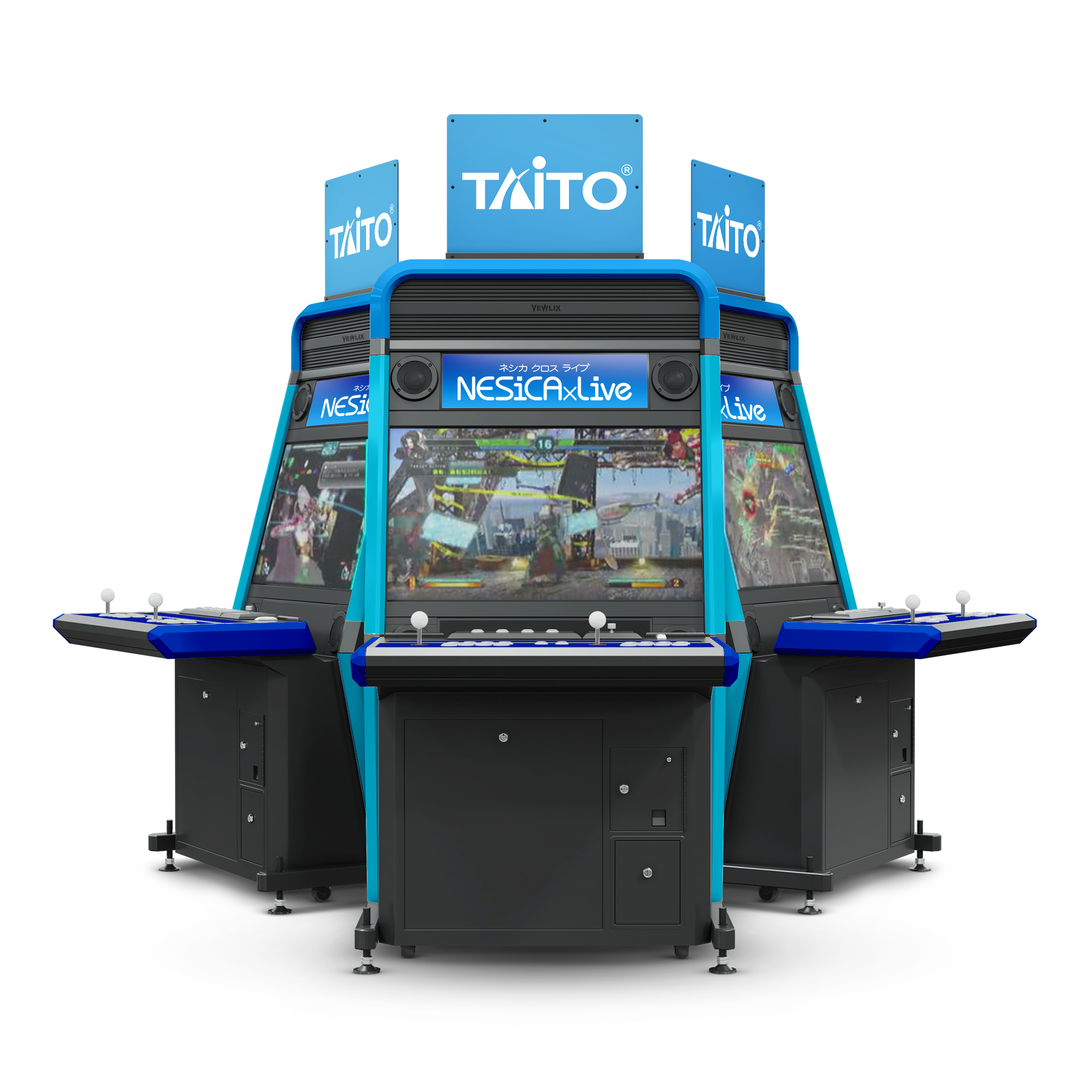
NESiCAxLive (Japanese: ネシカ クロス ライブ, Hepburn: Neshika Kurosu Raibu) is a digital distribution system for arcade video games made by Taito, similar to the SEGA ALL.Net game distribution system.
The NESiCAxLive system consists of an arcade system board combined with a dedicated router to access and download games. The system currently works on the Taito Type X2, Taito Type X Zero, Taito Type X3, and Taito Type X4 arcade boards.
Taito uses NESiCAxLive to distribute not only its own games, but also allows other companies to use it as a publication platform. On its introduction SNK, Cave, and Arc System Works had agreed to distribute games on NESiCAxLive.
The package includes:
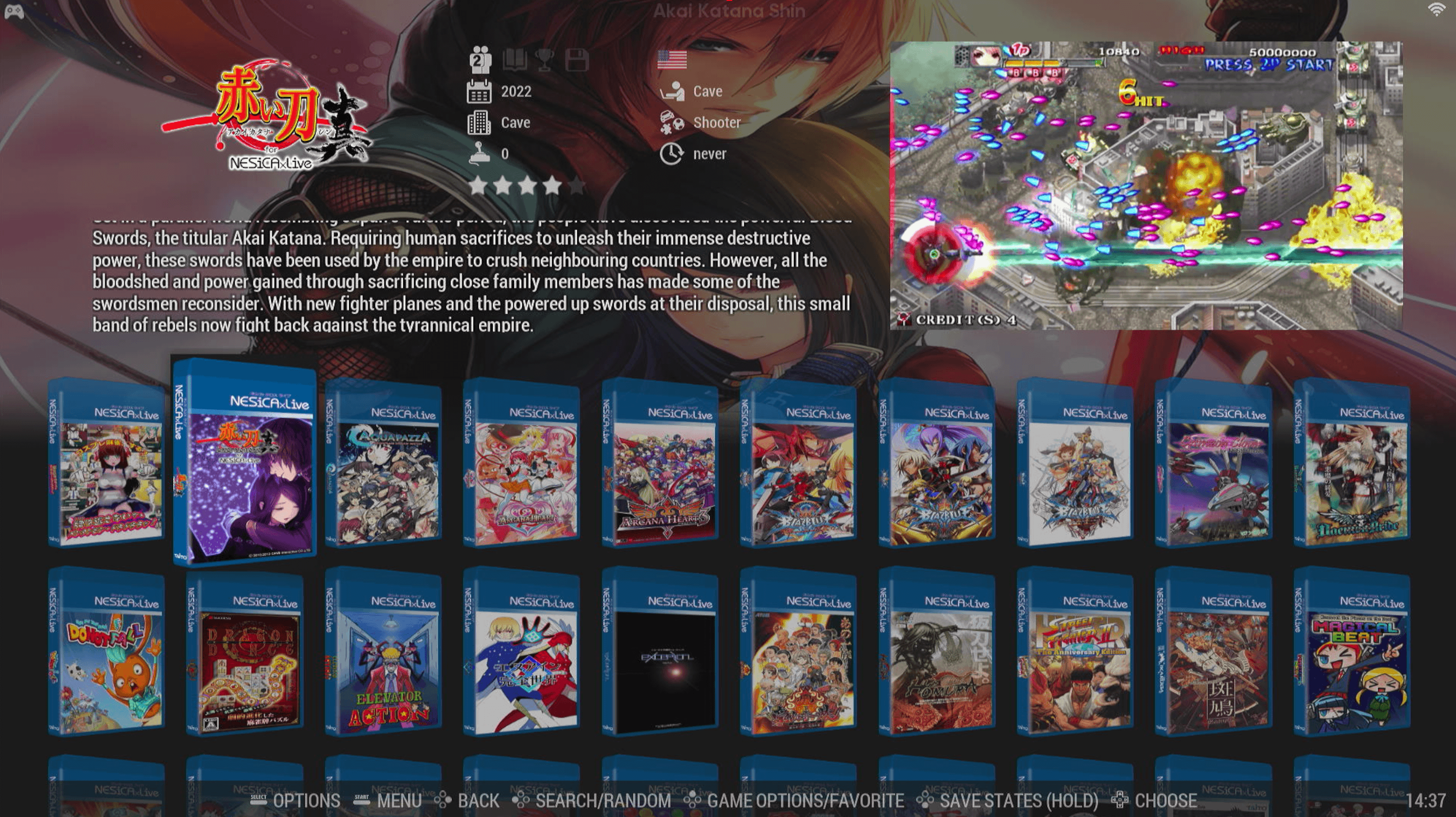
41 games in pack for Batocera (~75 GB)
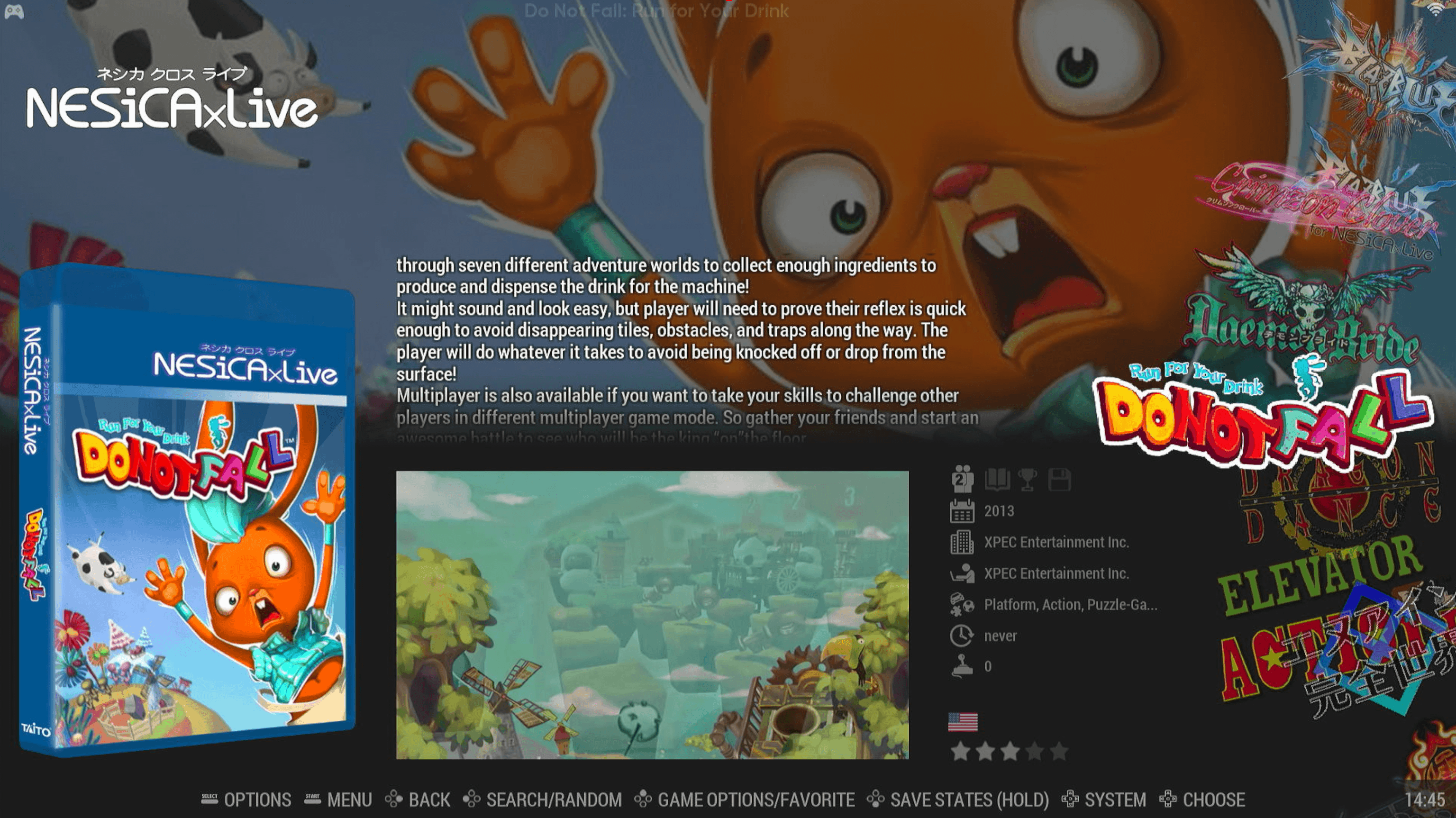
38 games in pack for Retrobat (~45 GB)
Pack for Batocera Pack for Retrobat
Batocera pack NOTE:
Requirements: minimum RGS Batocera v42 with latest PiXN updates (check discord how to update)
Q: What is Arcade PC?
A: Arcade PC games are modern arcade games not playable with MAME, such as the BlazBlue series.
Q: Is this Teknoparrot?
A: Not quite. Teknoparrot is only a game launcher, and unfortunately, it does not work on Batocera/Linux.
Q: How does it work?
A: Launching Arcade PC games in Batocera is achieved using JConfig through Wine.
Q: What are JConfig and Wine?
A: JConfig is not just a program for launching recent arcade games; it includes a wide collection of launchers, tools, emulators, and patched executables for a better "arcade at home" experience. Wine enables Windows games/applications to run on Linux (Batocera).
Q: Does this sound complicated? Should we be worried?
A1: No need to worry! We've packaged the games to launch on most systems (Intel i5 / AMD Zen1).
Q: Is there anything else we need to know?
A: Yes, a few minor details:
- Most lightgun games require an actual lightgun (e.g., Sinden).
- Some lightgun games can be played with a mouse (a mouse indicator icon is present in the wheel).
- All games use a custom Wine GE runner and manual pad2key made by SPiRiT!
- A lot of Boxart is fictional as these games does not have boxart, missing boxart is custom created by G-spawn! ty ty!
Games Added:
Chaos Code New Sign of Catastrophe (pc) - Game only (controls missing)
Dragon Dance - Complete (game + controls)
Elevator Action - Game only (controls missing)
Rastan Saga - Game only (controls missing)
Senko no Ronde DUO - Dis-United Order (2.35) - Game only (controls missing)
Street Fighter Zero 3 - Game only (controls missing)
Suggoi! Arcana Heart 2 - Game only (controls missing)
Games Refreshed/Updated:
3D Cosplay Mahjong
Aquapazza Aquaplus Dream Match
Arcana Heart 2
Arcana Heart 3
BlazBlue Central Fiction (pc)
BlazBlue Chronophantasma (pc)
BlazBlue Continuum Shift II
Crimzon Clover
Daemon Bride
Do Not Fall - Run for Your Drink
En-Eins Perfektewelt
Exception
Homura
Ikaruga
King of Fighters 2002 Unlimited Match
Magical Beat (pc)
Nitroplus Blasterz
Persona 4 - The Ultimate in Mayonaka Arena
Persona 4 Arena Ultimax
Power Instinct 6
Psychic Force 2012
Puzzle Bobble
Raiden III
Raiden IV
Rumble Fish 2
SkullGirl 2nd Encore
Spica Adventure
Street Fighter III 3rd Strike - Fight for the Future
Strania - The Stella Machina
Trouble Witches AC
Vampire Savior - The Lord of Vampire
How to install Batocera pack:
1. If you have a previous version of this pack, delete the contents of the "/roms/nesicax/" folder.
2. Drag and drop the contents of the "v2-RGS_nesicax_batocera" folder into the '/roms/nesicax/' folder.
3. Enjoy!
Retrobat pack NOTE:
- Teknoparrot on RetroBat will auto configure controllers more info: https://wiki.retrobat.org/systems-and-emulators/supported-game-systems/arcade/teknoparrot
- If you want to setup your own controller, lightgun or steering wheel from Teknoparrot UI, you must disable autoconfigure controllers in RetroBat menu first RetroBat > Advanced Emualtor settings > autoconfigure controllers to OFF.
- To setup your APM3ID you have to go into RetroBat > Advanced Emualtor settings > User Interface and put in your profile name.
- All games have been tested and working to run on a i5 9th gen, Nvidia GTX 1050, RTX 3050
- The Teknoparrot launcher has been setup on R: but also tested on other drives, so far everything is portable
- When extracting or launching games your AV will trigger (Windows Defender), this almost always happens with teknoparrot games because there are patched .exe files. This is a false positive and you should exclude the RetroBat directory and Teknoparrot game files (including where you download it)
- Team Pixel Nostalgia can't support Teknoparrot, this has its own community with patches for GPU's etc.
Requirements: Windows 10,11 with VisualC runtime and Directplay, RetroBat 6.3.1 with RGS Latest update
VisualC AIO runtime: https://www.techpowerup.com/download/visual-c-redistributable-runtime-package-all-in-one/
DirectPlay: open a CMD as Admin and run:
CODE:
dism /online /Enable-Feature /FeatureName:DirectPlay /All
How to install Retrobat pack:
Drag and drop the "nesicax" folder into the 'roms' directory and Enjoy!
You may also like:

Taito Type X (typex)
for Batocera and Retrobat

Taito NESICAxLive 2 (nesicax2)
for Batocera and Retrobat

Taito Type X² (typex2)
for Batocera and Retrobat